RemoveExpandBackgroundsToolsProSupportComing Soon
CUTOUT · ENHANCE · BLUR

The finishingtouches.

Three more tools that would be apps of their own anywhere else. Here they're one tap away, and built for iPad and Mac too.

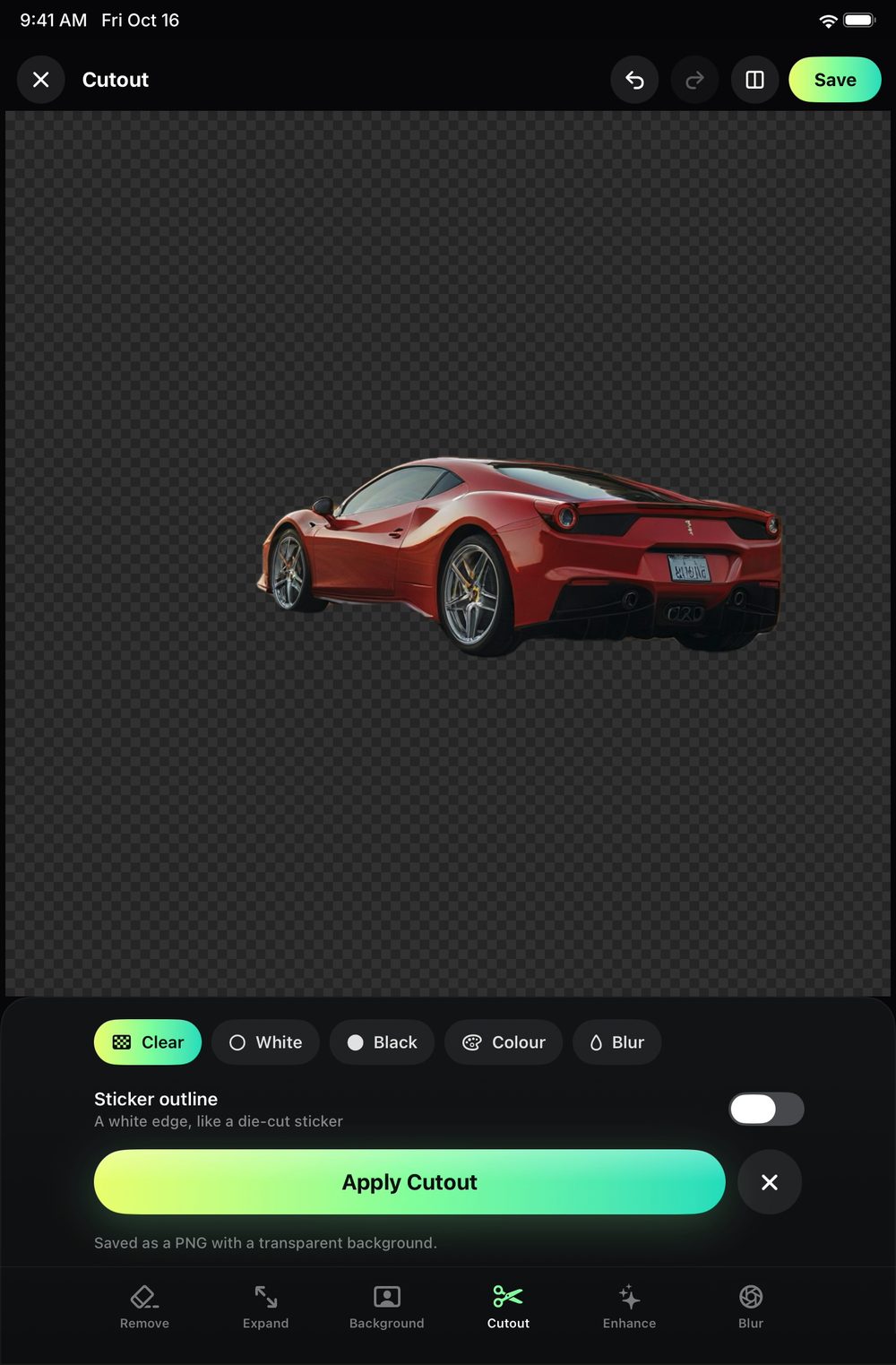
Cutout: a car lifted onto a transparent background
CUTOUT

Lift it out.
Clean to the edge.

Anyone or anything onto transparency, white, black or any colour. The edge follows the photo's own, hair and all, with no light line around it. Add a sticker outline if you like. Saves as a PNG.
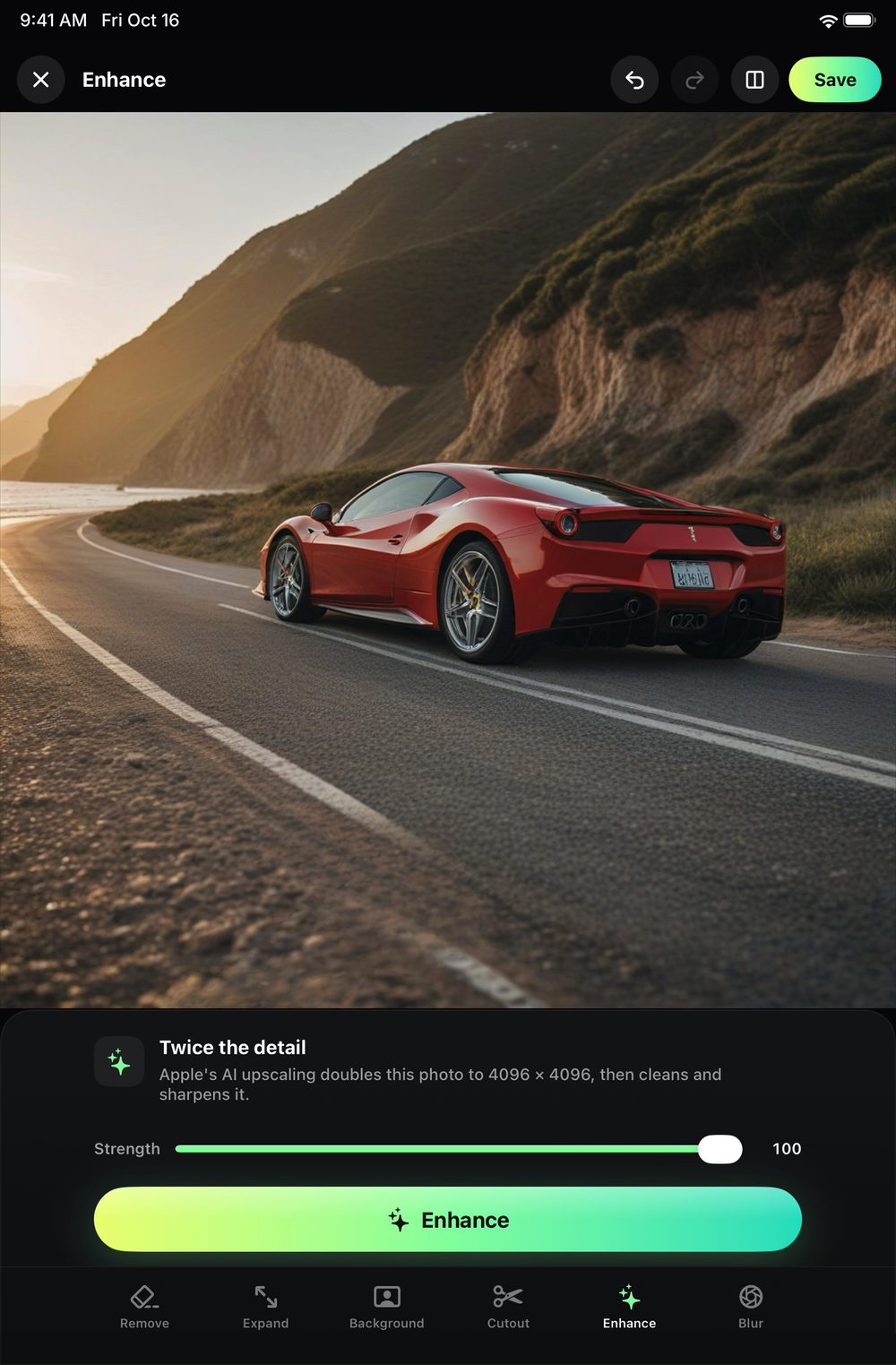
Enhance: twice the detail
ENHANCE

Twice
the detail.

Apple's AI upscaling doubles a small photo's resolution, then cleans and sharpens it. Old photos, screenshots and crops come back crisp.

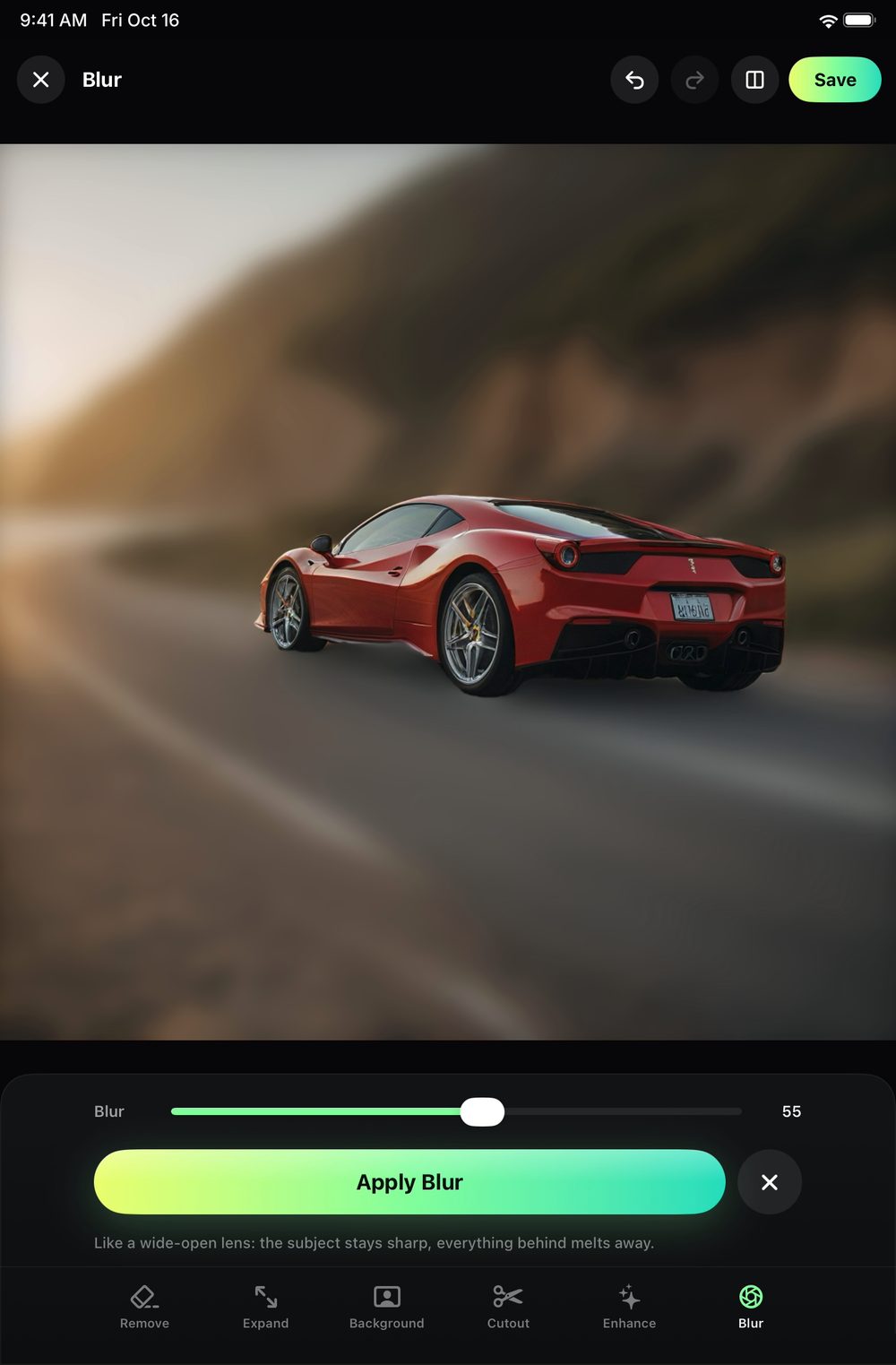
Blur: the background melted, the subject crisp
PORTRAIT BLUR

Melt the
background.

The look of a wide-open portrait lens on any photo. Your subject stays crisp, the background melts away, from a gentle softness to full portrait mode.

IPAD AND MAC

Bigger screen.
Same magic.

REMOVE IT is made for iPad and Mac too. With iCloud Sync, every edit and its original are on all your devices, kept privately in your own iCloud.

REMOVE IT app icon

Your best photos are
one tap away.

Free to try on iPhone, iPad and Mac. Everything you make stays on your device.

REMOVE ITFree to try · iPhone, iPad, Mac
Coming Soon