RemoveExpandBackgroundsToolsProSupportComing Soon
EXPAND

Zoom out onany moment.

Turn a wide shot into a Story, a square, 4:5, 16:9 or a cinematic 21:9, or simply zoom out. Your photo is never redrawn: only the new edges are painted, matched to your photo's colour, sharpness and grain, so the join disappears.

Free to tryNo uploadsNo creditsFull resolution

STORY 9:164:5SQUARE16:9CINEMA 21:9
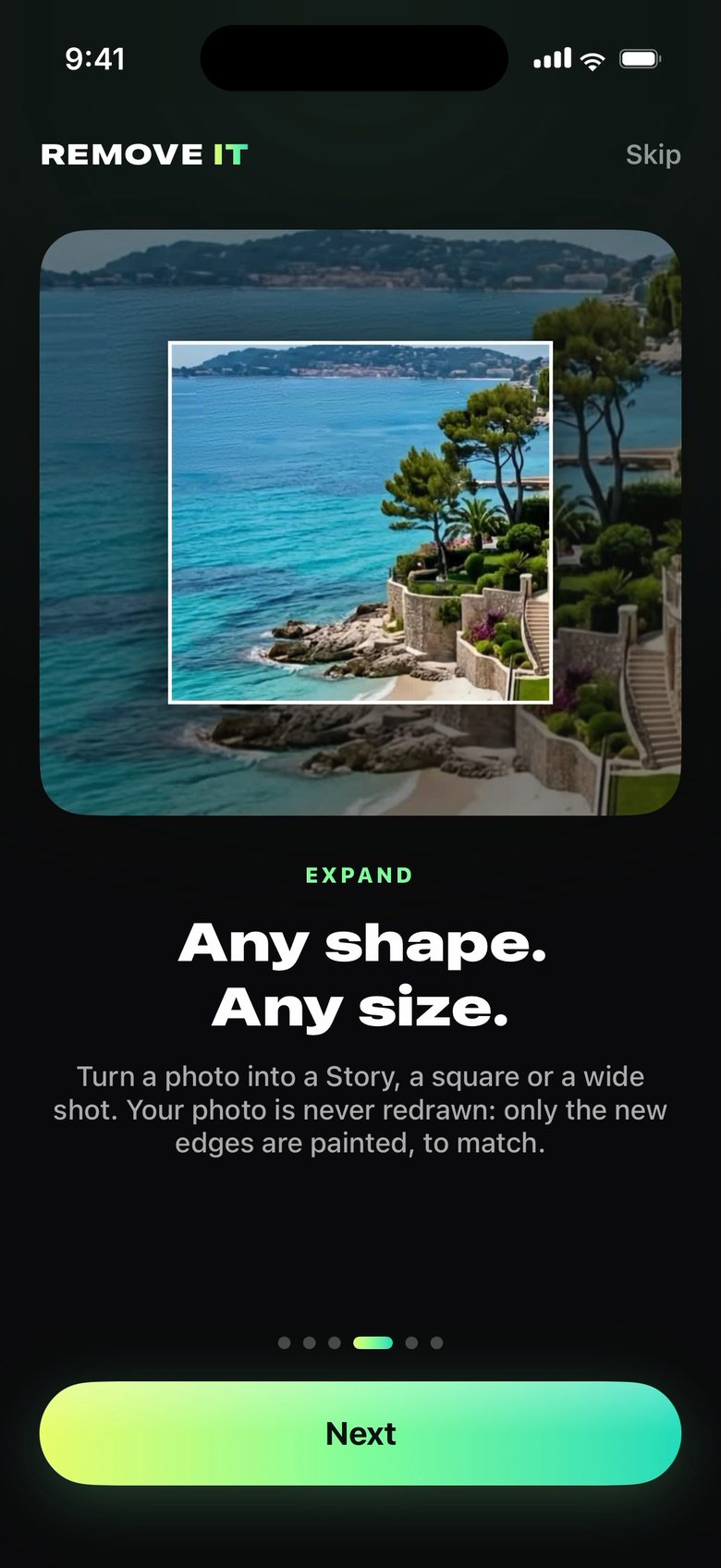
Expand in REMOVE IT: the photo inside a larger frame
ANY SHAPE. ANY SIZE.

Made for
every screen.

The perfect shot in the wrong shape? Fit it to a Story, a post, a wallpaper or a cinema-wide banner without cropping a thing.

9:164:51:116:921:9Zoom out

Your photo stays yours

The original is never redrawn. Only the new area is painted, across the seam, so you'll never find it.

Put it where you want

Drag your photo to choose where it sits in the new frame. Add a word ("more sea", "sunset sky") to steer what's painted.

REMOVE IT app icon

The perfect shot,
in every shape.

Expand needs 8 GB of memory: iPhone 15 Pro and later, and iPads and Macs with an M-series chip.

REMOVE ITFree to try · iPhone, iPad, Mac
Coming Soon